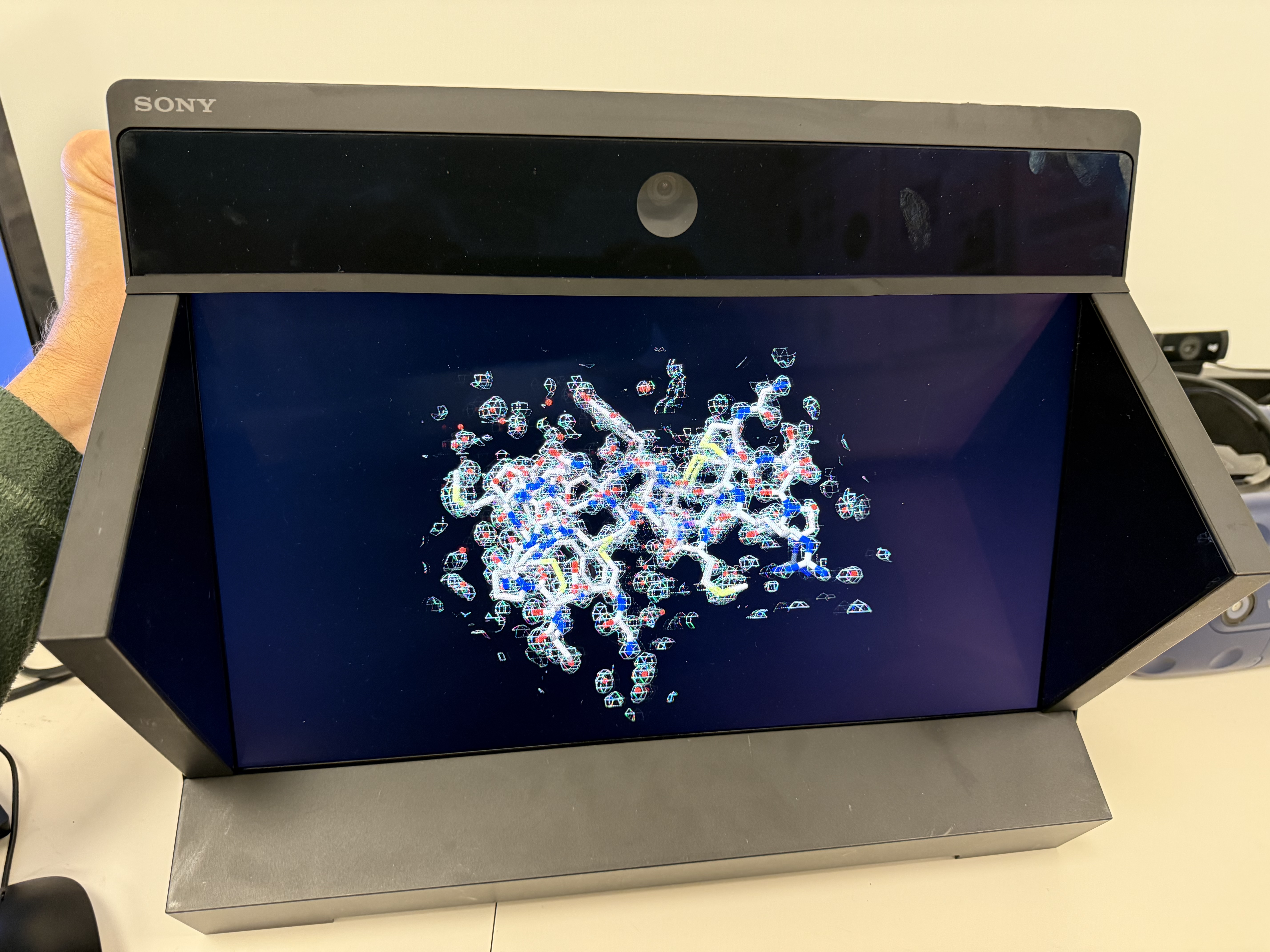
Atomic model with x-ray density (PDB 1a0m).
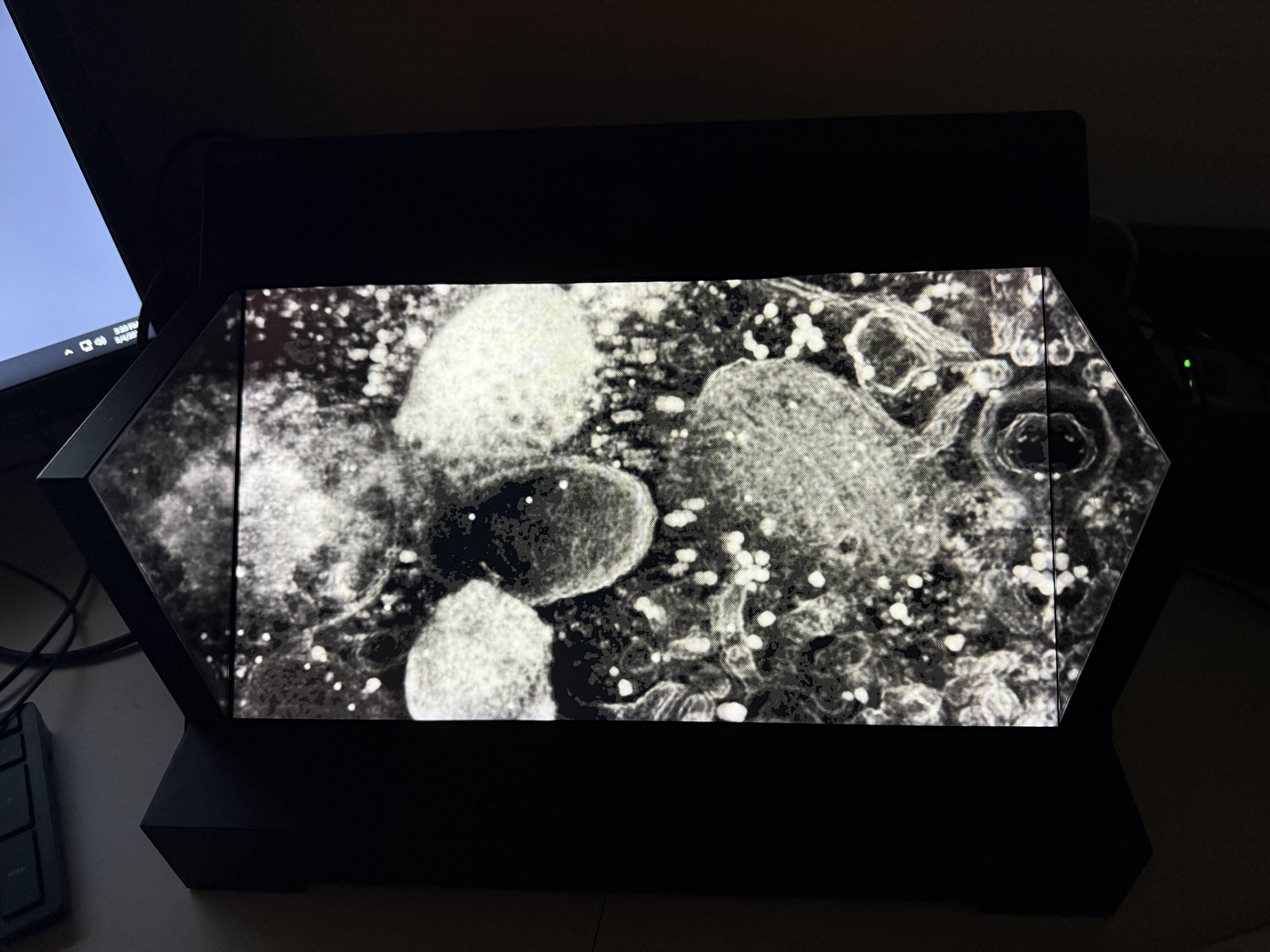
Electron tomography of a cell (EMDB 1273).
Tomogram view from different angles.
Tom Goddard
March 5, 2025
ChimeraX can display molecules, electron microscopy maps and other 3D data on the Sony Spatial Reality glasses-free 3D display using command
xr on
Here I describe some advantages and drawbacks of this display. I used a ChimeraX daily build from March 5, 2025 which includes improvements for moving models with the mouse with the Sony display.
The display might be useful for looking at the fit of atomic models in X-ray or electron microscopy maps. It might be useful for looking at molecular complexes and organelles in densely packed slices of cells as seen in electron tomography. Any data where optimal depth perception is desired might benefit from viewing on the Sony display.
|
Atomic model with x-ray density (PDB 1a0m). |
Electron tomography of a cell (EMDB 1273). |
Tomogram view from different angles. |
Greg Pintilie from the CryoEM and CryoET Center at the Stanford Linear Accelerator let me borrow his display to make ChimeraX work better. Greg made several points about the advantages of the Sony 3d display:
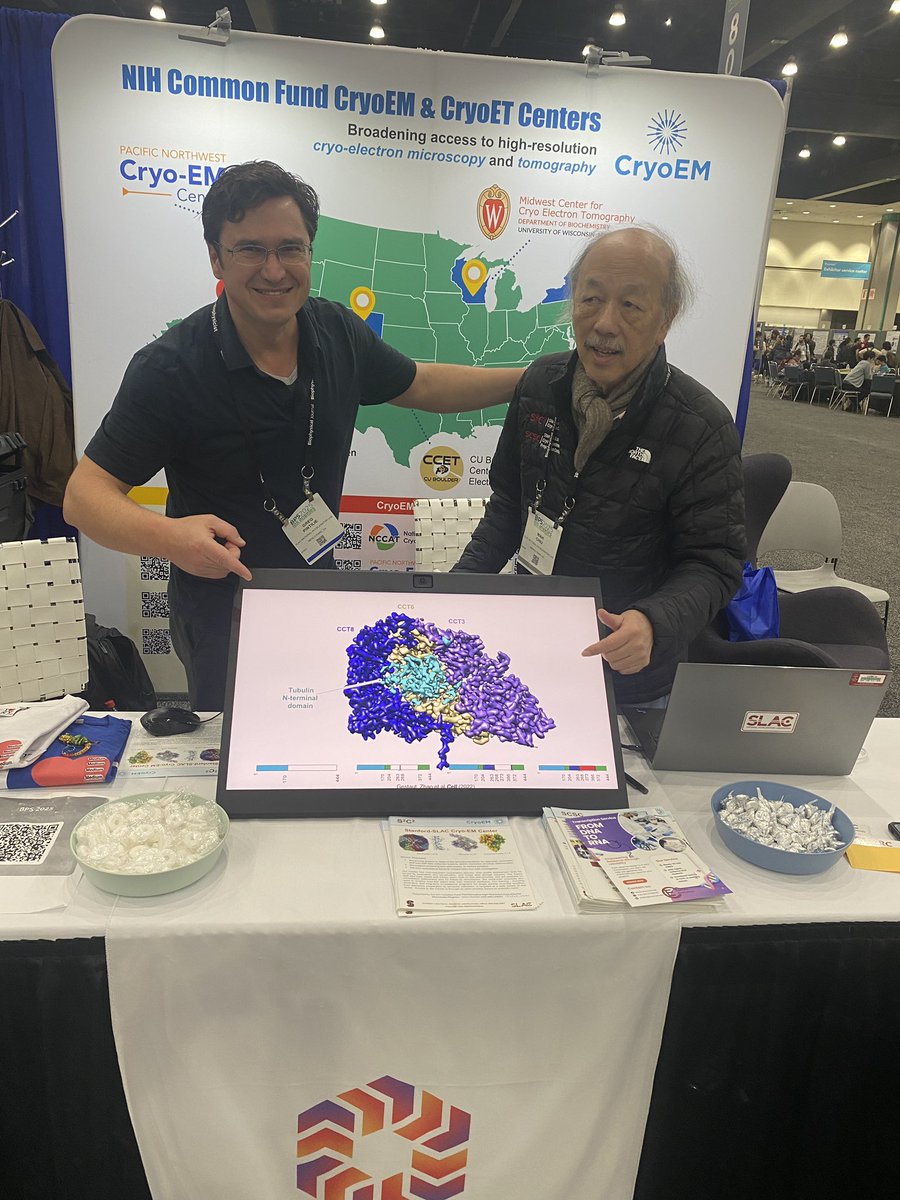
Greg Pintilie and Wah Chiu with the Sony 27" display |
No glasses are needed to see the 3D image. The display casts different images to your left and right eyes rendered from different positions by ChimeraX so that the scene appears 3 dimensional. The display has a 4K (3840 x 2160 pixel) flat-panel with microlenses on top that direct the light from individual pixels in different directions. A camera at the top of center of the display tracks your eye positions so the left and right eye images can be rendered in the correct flat-panel pixels to reach your left and right eyes.
There are numerous issues with the display that reduce its usability. I tested with Windows 11 and an i7-12700K CPU and Nvidia RTX 3070 GPU. More technical nodes can be found in ChimeraX ticket 16864.
The 15.6" display is permanently mounted to a metal stand with display tilted 45 degrees up. I believe this was to improve use cases such as looking car or architectural models where it is common to view from 45 degrees above. Unfortunately this reflects ceiling mounted lights directly from the screen to the viewer's eyes. The display has anti-reflective coatings that make white lights appear purple. Dimming or turning off the ceiling lights did not work for me because the eye tracking then failed. Precariously tiling the display vertical (backed against a wall) reduced glare but placed eyes above the top of the screen looking down where the eye tracking sometimes failed. The recommended viewing angles are -40/+20 degrees vertical (using tilted orientation) although it still works looking straight at the center of the screen vertically oriented which would be +45 relative to the normal tilted position.
The 27" display has options to mount vertically.
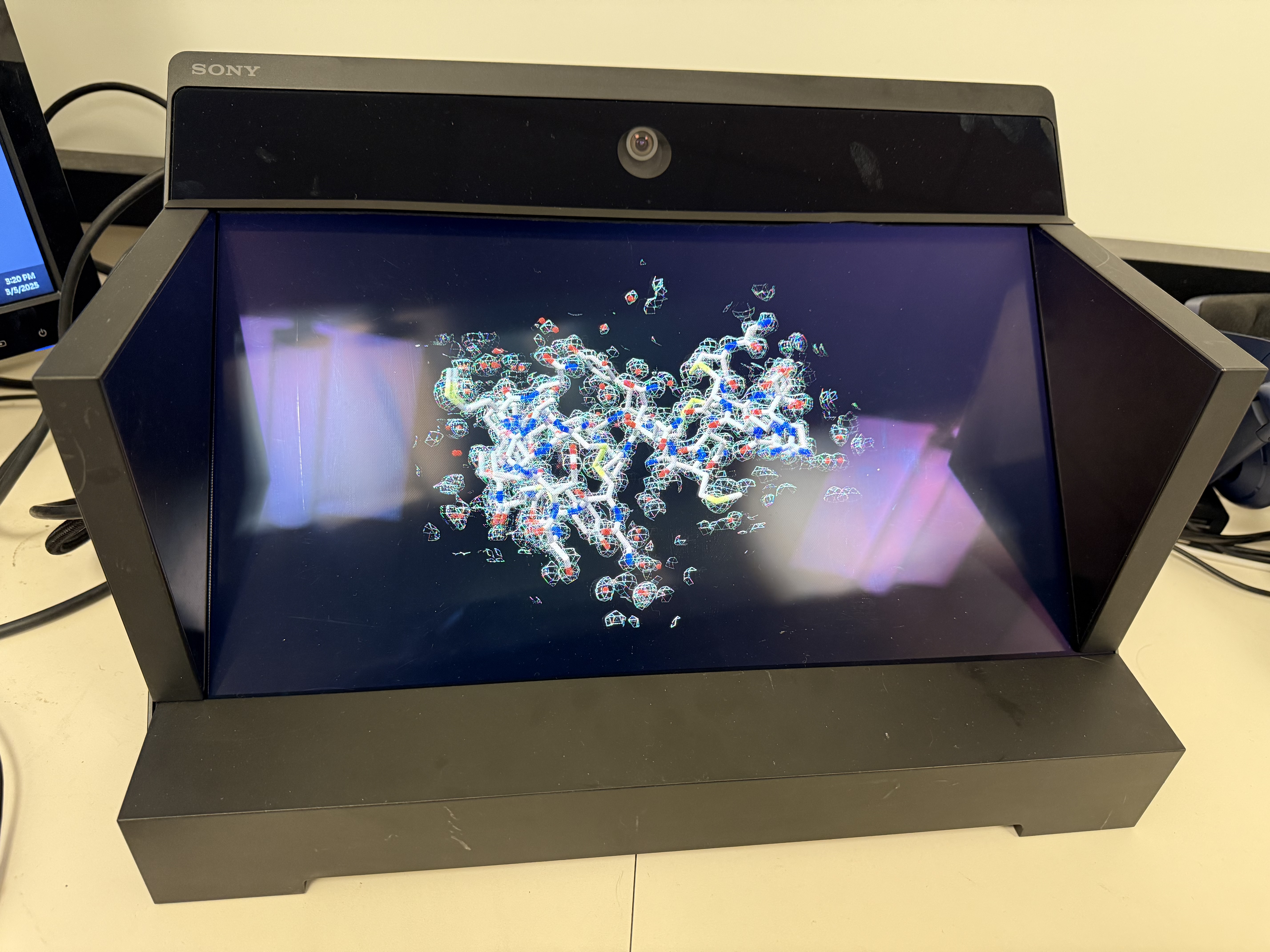
Ceiling lights seen as red glare. | 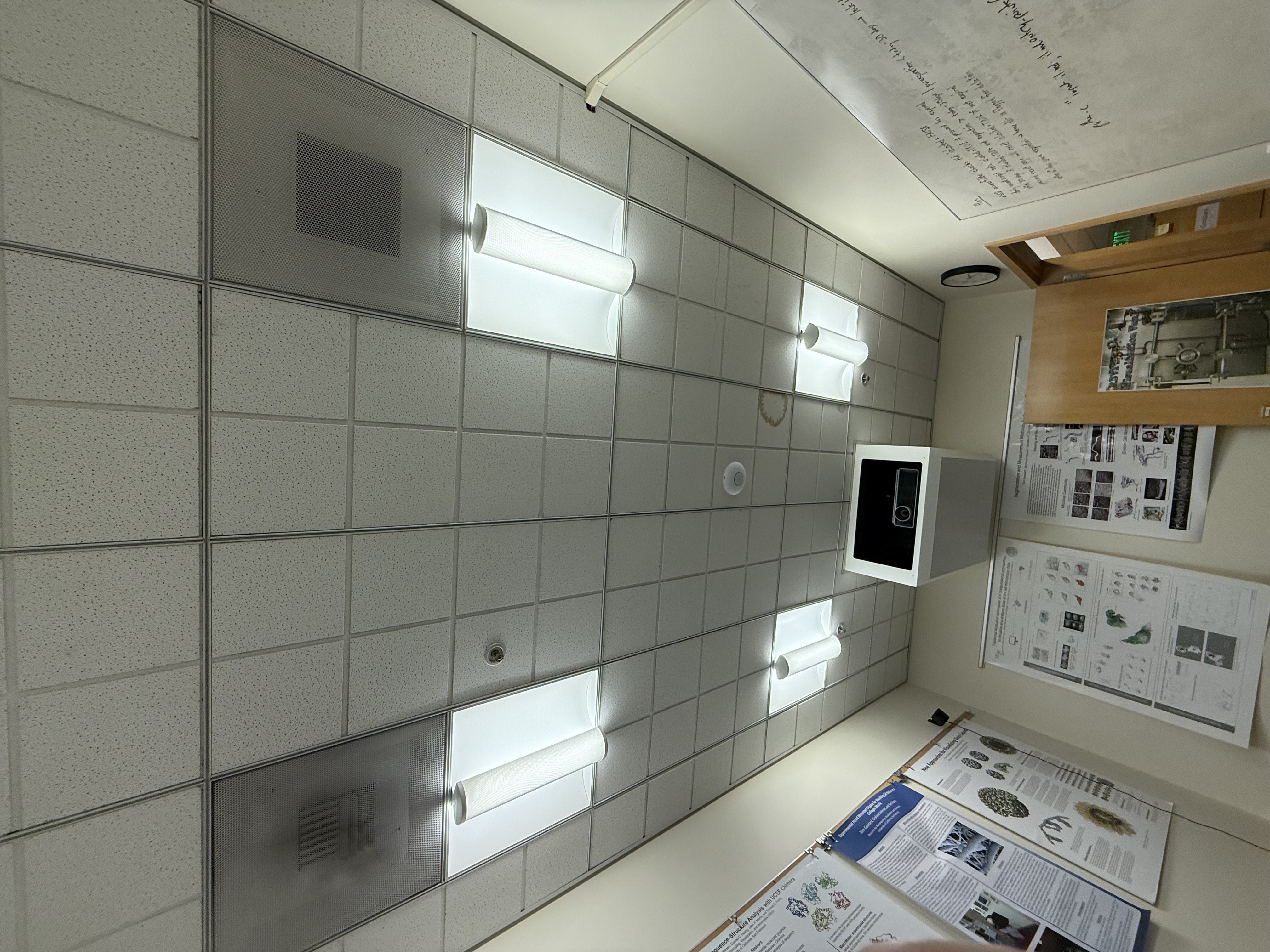
Ceiling lights. |
Tilting display vertical. |
Although the base flat-panel is 3840 by 2160 pixels (4k) at most half the pixels and probably considerably fewer are used to render each eye image. Comparing the legibility of small text atom labels on a protein (PDB 8xps) that fills the Sony display to the mirrored image in ChimeraX filling an HD 2D display (Asus VG278, 27") shows slightly worse text legibility. So the perceived resolution of the Sony 3D image is a little worse than HD.
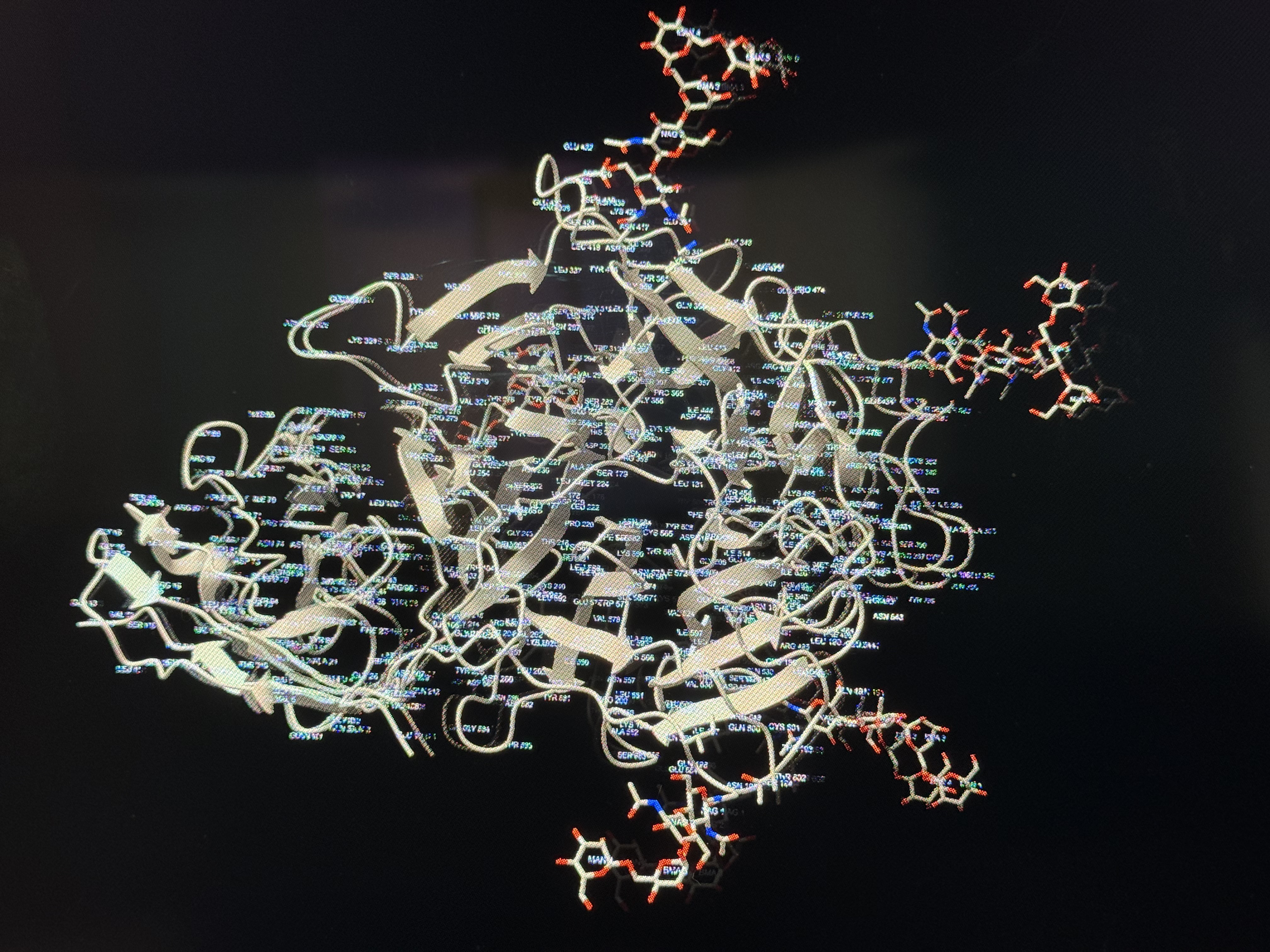
Sony text labels. |
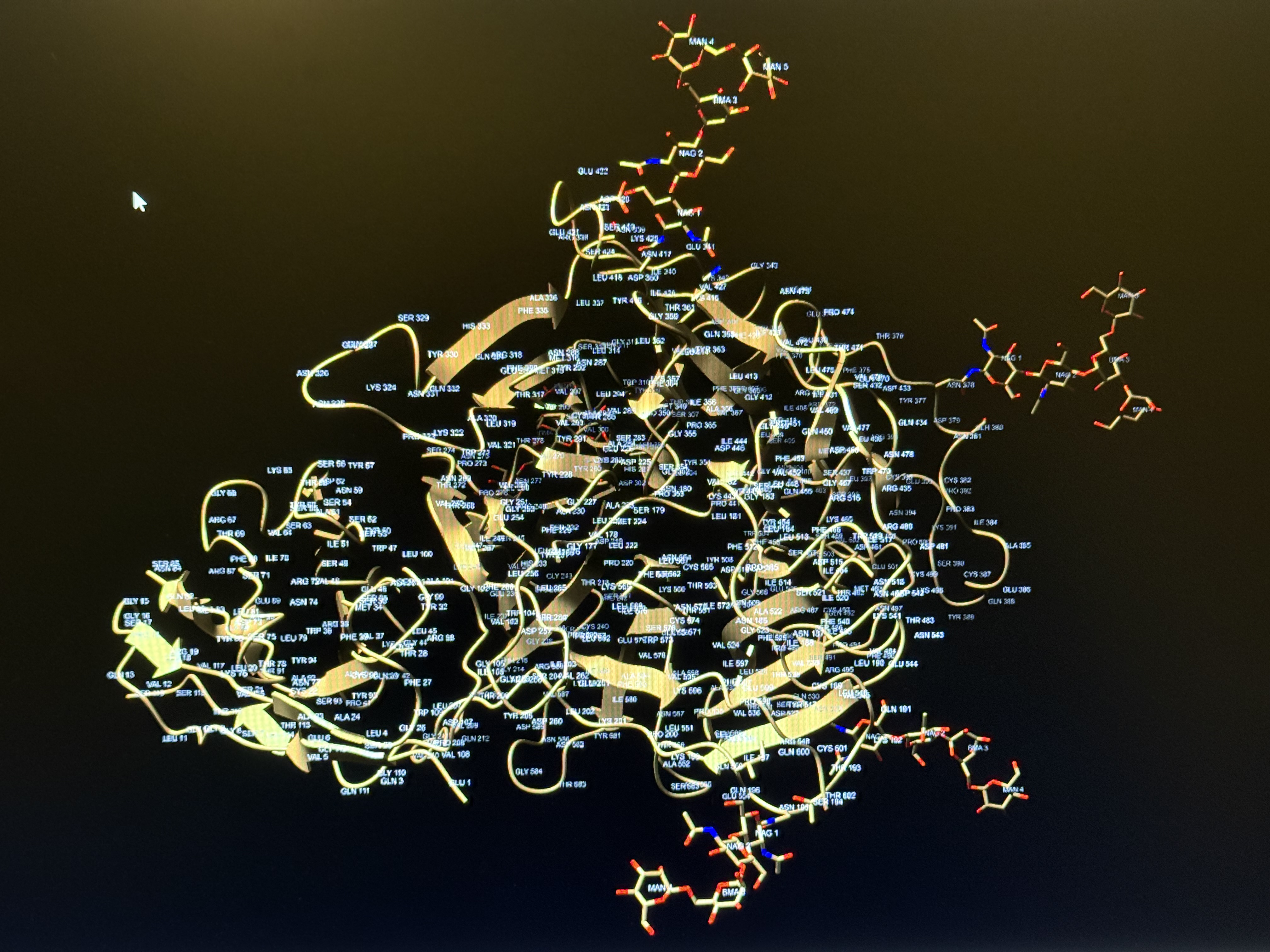
HD flat panel text labels. |
The Sony perceived resolution is considerably better than the LookingGlass display. The LookingGlass has no eye tracking and uses 45 rendered image views that are cast in a fan of directions, so each view uses only 1/45th of the pixels of the LookingGlass 2560 x 1600 flat panel. The Sony technology with eye-tracking is able to use many more pixels per eye image because the micro-lensing casts a pixel in many direction (I estimate about 10) fanned out horizontally with gaps between. So a single pixel can be used for multiple physical eye positions.
The Sony display usually shows minimal ghosting where the left eye sees faint traces of the right eye image and the right eye sees faint traces of the left image. The ghost images appear in the background. Unfortunately when moving your head side to side at modest rates (5 cm/sec) the eye tracking apparently lags behind and both eyes see ghost images that are often as bright as the 3D image. I suspect the problem is that the eye tracking sometimes jitters so heavy smoothing is applied and that introduces lag, and the eye tracking camera frame rate is probably not very high. Slow head motions (1 cm/sec) don't show much ghosting.
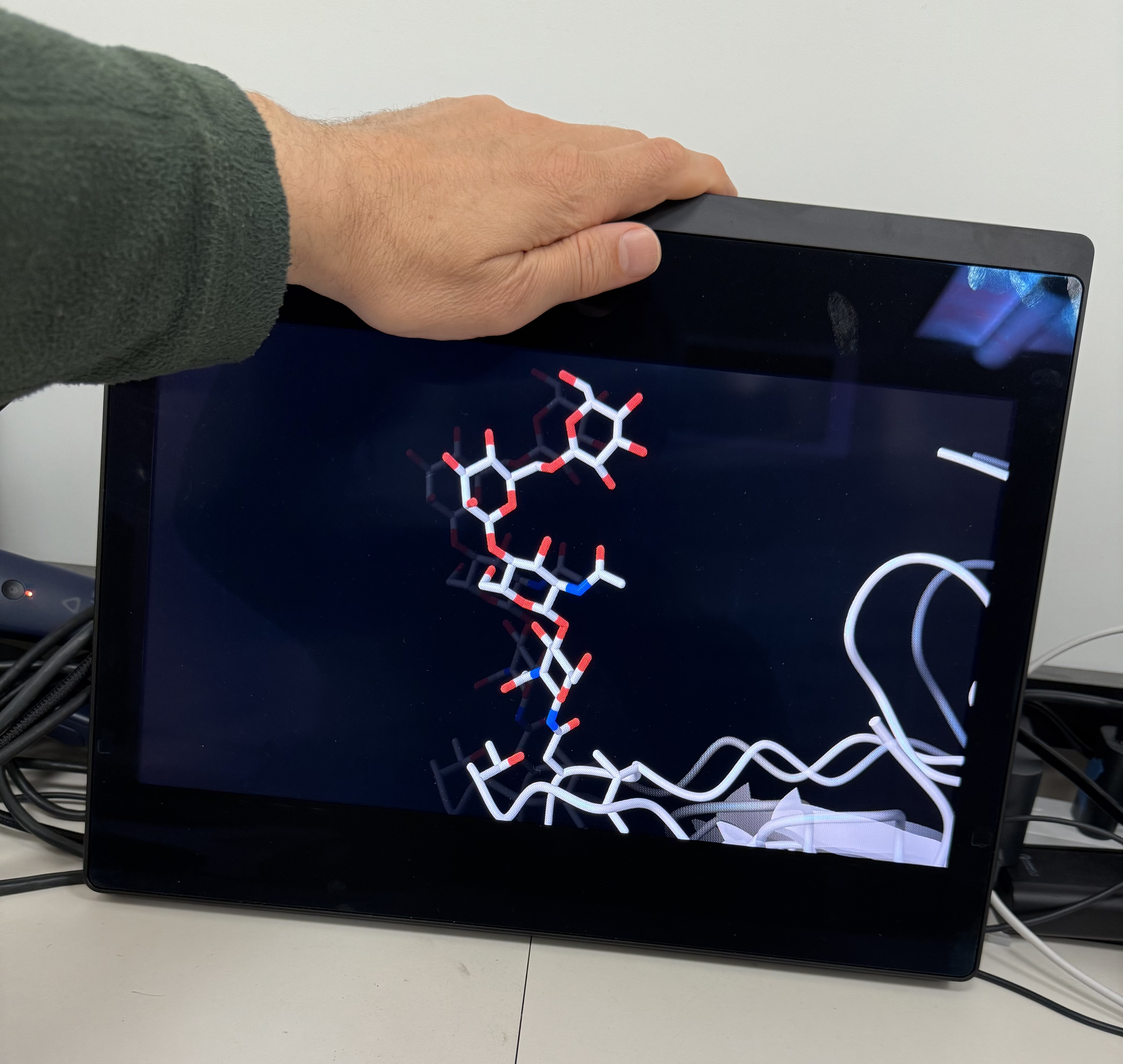
Faint ghost image of central atoms visible to left of bright image. |
Strong ghosting during head motion. |
Typical use of ChimeraX involves frequent interaction with the user interface menus, buttons, commands, and panels. I had the Sony and a conventional 27" 2D flat-panel side-by-side during testing so I could switch my view back and forth between the two displays. Looking at the Sony for 3D perceptions and switching to the 2D for user interface quickly becomes tedious. Old LCD shutter glasses stereo display (circa 1990-present) allows having the 2D user interface and 3D graphics on the same display.
It may be possible to combine user interface and 3D graphics to a limited extent with the Sony display. ChimeraX panels such as the toolbar and command-line can be detached and dragged to the Sony display. The menus cannot be detached. Also clicking on the Sony display with the mouse raises the full-screen 3D window hiding the panels -- I am not sure if the panels can be made to always float on top. Also the mouse rotation, translation and zoom only works in the ChimeraX 2D graphics panel.
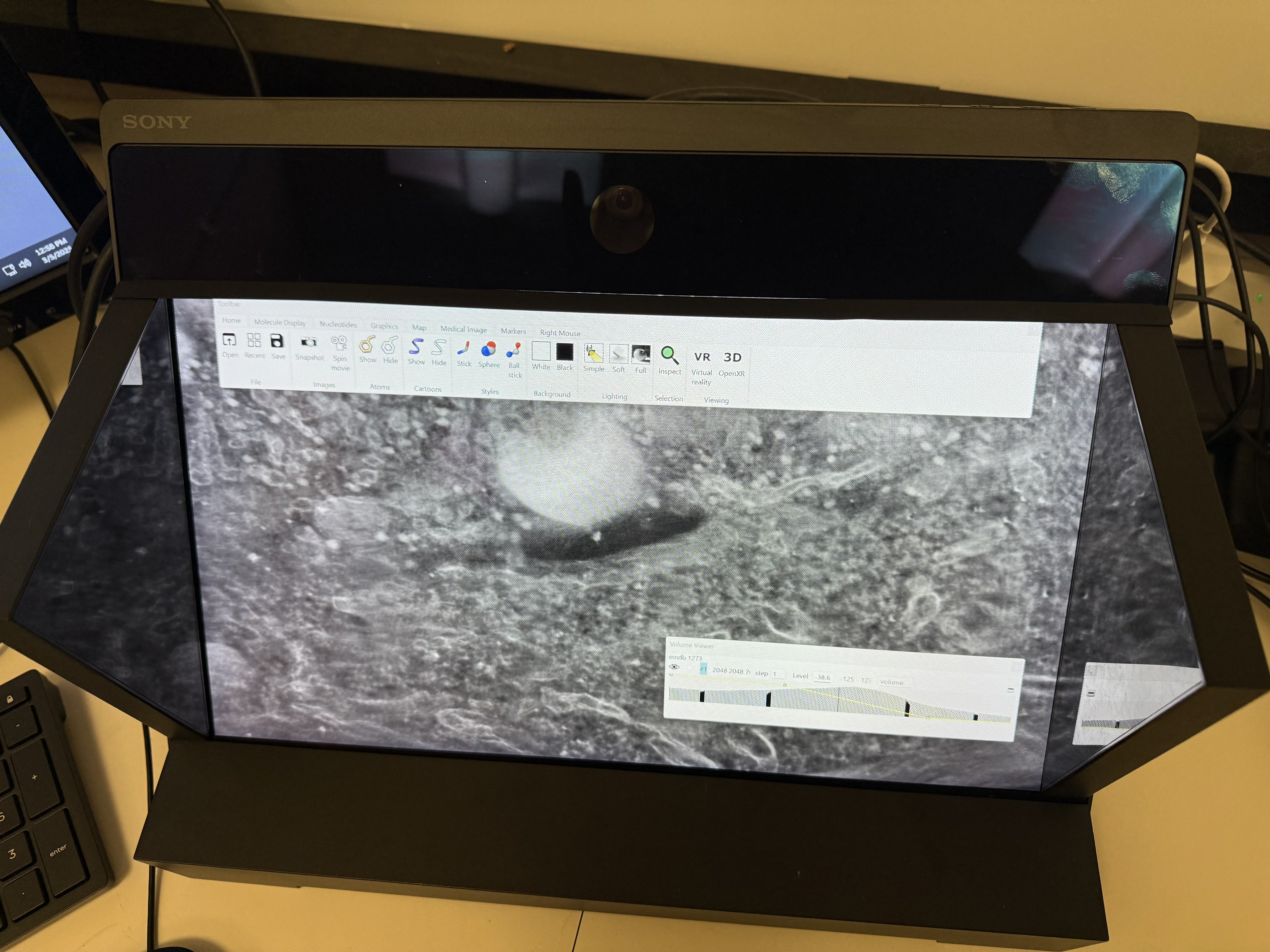
ChimeraX Toolbar and Volume Viewer panels placed on the Sony display. |
The Sony OpenXR process xr_runtime_server uses about 80% of total CPU once ChimeraX connects to the display even when no data is shown. This is with an Intel i7-12700K with 8 performance cores and 4 efficiency cores, about 50% faster than the recommended i7-9700K. Apparently the Sony driver is doing eye-tracking image analysis or left+right eye composition on the CPU instead of the GPU which is very inefficient. This leads to my machine raising the fans to maximum speed within a minute which is quite noisy.
By comparison the GPU uses of my test Nvidia RTX 3070 was never above 50% even with the somewhat demanding tomogram example above (400 Mvoxels rendered volumetrically at full resolution). The Sony requests eye images each at 3840 x 2160 pixels size at 60 frames per second.
The Sony display cannot easily be used by 2 scientists to view and discuss atomic models or other data because the display is only capable of producing eye images for one pair of eyes. The Sony 27" model is said to have a button on the top that can switch the eye tracking from the currently tracked eyes to another set of eyes visible to the eye tracker. This could allow 2 users to switch back and forth. That seems of limited use.