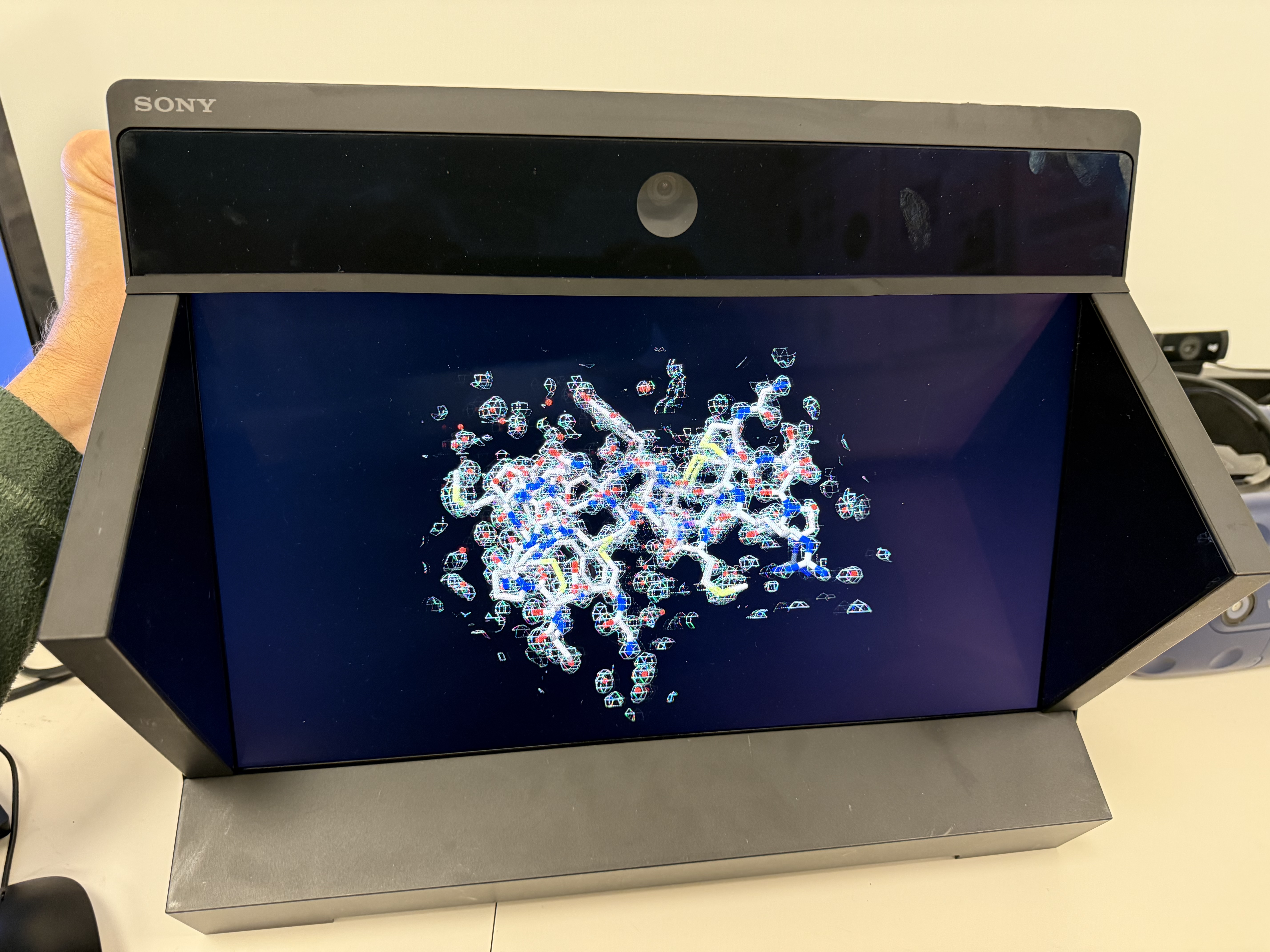
Atomic model with x-ray density (PDB 1a0m).
Tomogram view from different angles.
Tom Goddard
February 26, 2026
ChimeraX can display molecules on Sony, Acer, and Samsung 3D flat screens. The molecules appear in stereoscopic 3D and no glasses are needed. These displays use eye tracking to send images from different view directions to your two eyes to achieve the 3D effect. I evaluated of the Sony display and it has pros (stunning 3D perception of molecules and 3D electron microscopy) and cons (high cost, single viewer, glitchy).
|
Atomic model with x-ray density (PDB 1a0m). |
Tomogram view from different angles. |
You need two displays. The conventional display will show the ChimeraX user interface and the 3D display will show the models in full-screen mode. Use the following ChimeraX commmand to enable 3D:
xr on
You can add a ChimeraX Toolbar icon to enable or disable the 3D display by right clicking on the ChimeraX Toolbar, choose Settings from the menu, then drag "3D OpenXR" from the available buttons under view to the Home Tab list of icons.
ChimeraX has been tested with the following 3D eye-tracked displays.
You can hover the mouse on the 3D display over an atoms, residues and bonds to popup information, use ctrl-click to select objects, and rotate and translate the same as is done in the ChimeraX 2D graphics. You have to line up the mouse pointer with either the left or right eye. The pointer is always in the 2D plane of the display. See the XR3D ChimeraX plugin for a 3D mouse pointer.
If the model name of your 3D display is not recognized the ChimeraX Log will warn about this and mouse will not function on the 3D display. The 3D graphics may still work on unknown 3D OpenXR displays.
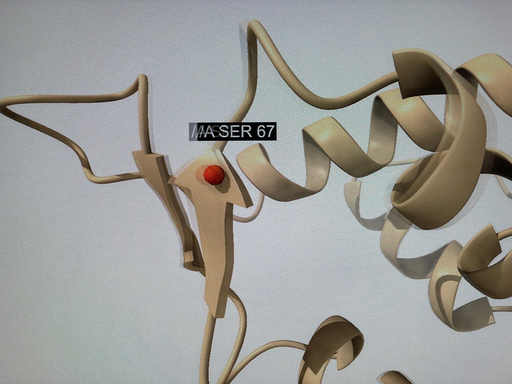
To show a 3D mouse pointer install the ChimeraX XR3D plugin developed by Andre Michaelis using ChimeraX menu Tools / More Tools. It shows a pointer (sphere, crosshair, arrow) at the depth of the object the pointer is over. It appears like a laser pointer.
If you have multiple OpenXR devices, for instance, a VR headset and a 3D flat panel display, then you need to specify which device is the default OpenXR device before trying to use it with ChimeraX.
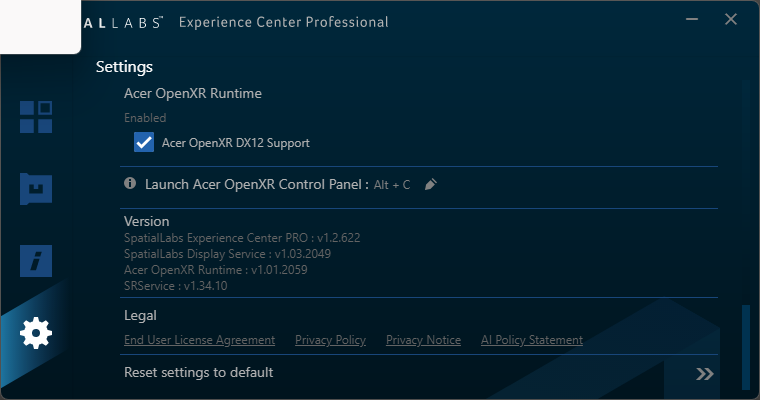
Acer OpenXR settings | 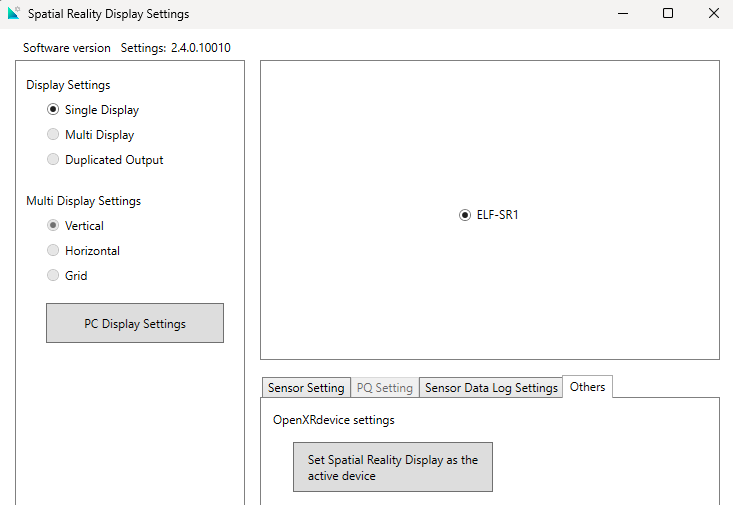
Sony OpenXR settings | 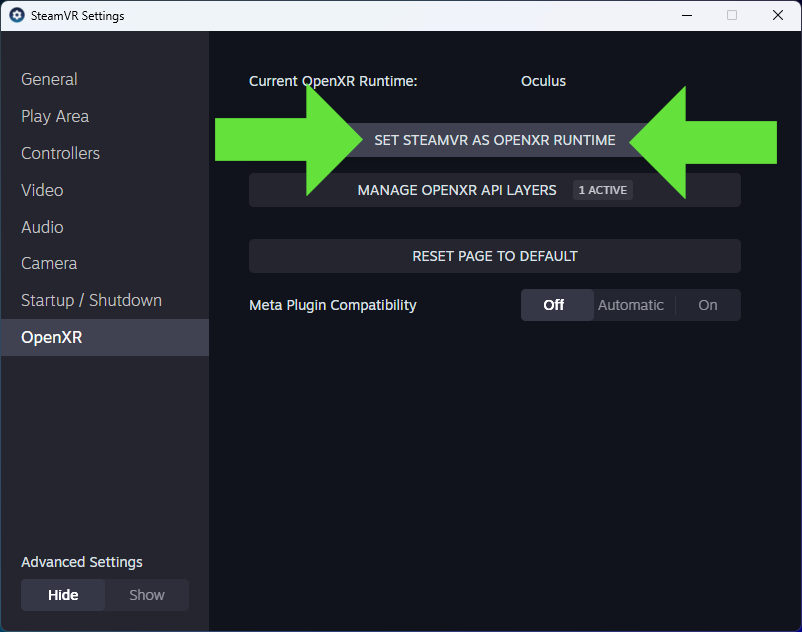
SteamVR OpenXR settings |