![[ChimeraX Issue Tracking System]](/trac/ChimeraX/chrome/site/ChimeraX-icon.svg)
#890 closed defect (can't reproduce)
save image/supersample possible bug?
| Reported by: | Owned by: | Tom Goddard | |
|---|---|---|---|
| Priority: | normal | Milestone: | |
| Component: | Input/Output | Version: | |
| Keywords: | Cc: | ||
| Blocked By: | Blocking: | ||
| Notify when closed: | Platform: | all | |
| Project: | ChimeraX |
Description
Dear ChimeraX team,

I recently dowloaded the latest ChimeraX release for Mac OS X 10.10 64-bit version 0.1 (2017-10-18).

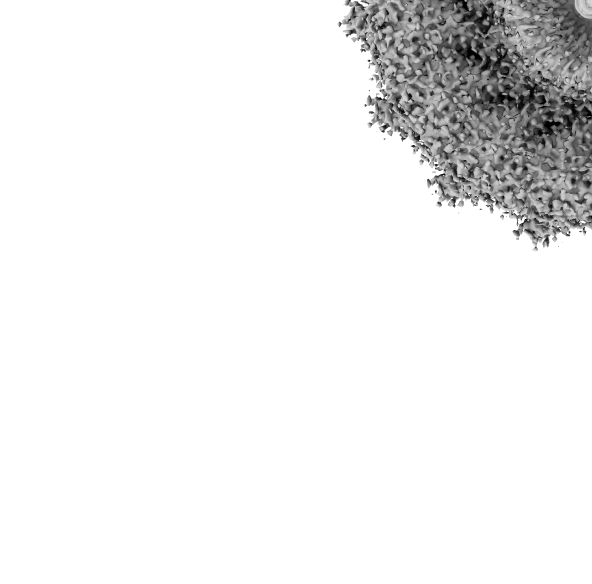
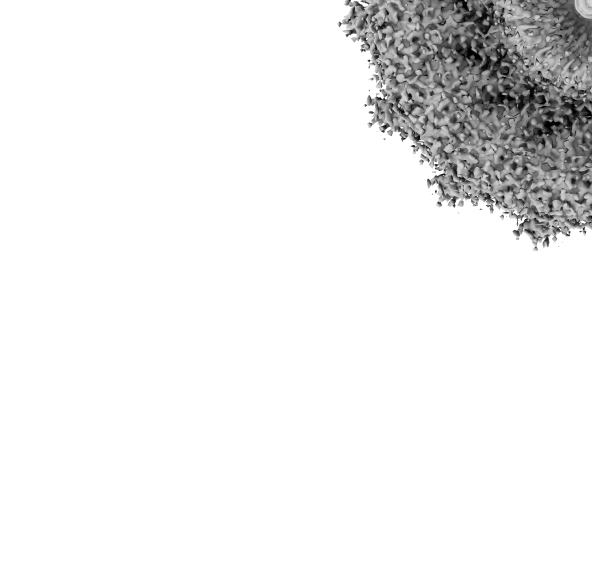
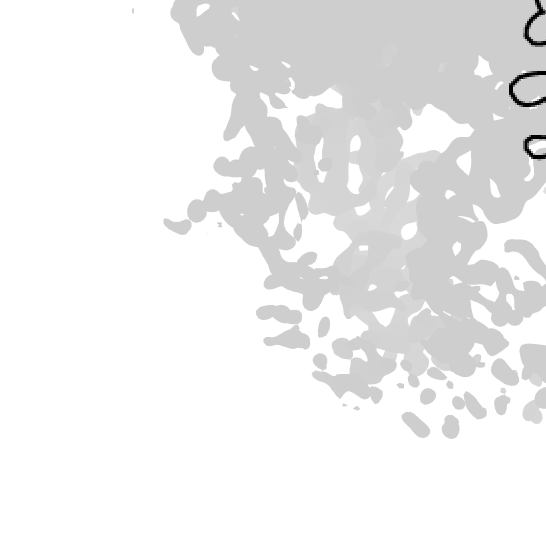
I noticed that when I save an image from the GUI shifting from the option supersample “none” to 2X, 3X or 4X the image is scaled anymore (please see attachment) even if I don’t change the camera viewing position. I get around that rescaling manually the image size before saving it however I think it is not meant to work like that.

Is this somehow a bug or am I doing something wrong?

Many thanks in advance,

Edoardo

I am running ChimeraX on MacBook Pro with OSX 10.11.6 and my python version is 2.7.10


---------------------------------------------------
Edoardo D'Imprima
PhD Student
Max Planck Institute of Biophysics
Structural Biology Department
Max-von-Laue Straße 3
60438 Frankfurt am Main
Germany

Tel: +49 (0) 69 6303 3015
Attachments (15)
Change History (27)
by , 9 years ago
| Attachment: | PastedGraphic-1.tiff added |
|---|
comment:1 by , 9 years ago
| Component: | Unassigned → Input/Output |
|---|---|
| Owner: | set to |
| Platform: | → all |
| Project: | → ChimeraX |
| Status: | new → assigned |
comment:3 by , 9 years ago
We have seen this before on a MacBook Pro with retina display. This is a bug in the Mac Intel graphics driver. It does not happen on other MacBook Pro laptops using Nvidia graphics. You get an image with only the lower quadrant of the image when using supersampling because it is not correctly handling the retina display. Specifically with supersampling it uses off-screen rendering and with the Intel driver it seems to forget the macOS 2x scaling factor used for the retina display. I don't have any fix for this -- it is an Apple bug.
I'll test this again on a MacBook Pro that has both Intel and Nvidia graphics with macOS 10.13 High Sierra and see if it is fixed. Will report when I get results (maybe on Monday).
comment:4 by , 9 years ago
I've tested image save on Mac OS 10.13 (High Sierra) on a MacBook Pro with retina display (mid 2012). This machine has both Intel and Nvidia graphics and I can force it to use Intel graphics although by default it uses the more powerful nvidia graphics. On both Intel and Nvidia graphics image save works correctly (with no scaling) with supersample "none", 1, 3.
I believe your bug is an Mac Intel graphics driver bug. It was reported once before on an older Mac OS version. It may be that the bug is fixed in the latest Mac OS 10.13. But it might not be fixed, and may instead be related to the specific Intel chip in your machine. My test machine reports at the top of the ChimeraX log window:
UCSF ChimeraX version: 0.1 (2017-10-25)
OpenGL version: 4.1 INTEL-10.28.26
OpenGL renderer: Intel HD Graphics 4000 OpenGL Engine
OpenGL vendor: Intel Inc.
The earlier bug report #767
https://www.rbvi.ucsf.edu/trac/ChimeraX/ticket/767
said this problem was only observed after restoring a ChimeraX session. Is your case after session restore, or does it always save only a 2x scaled version when supersample > 1 used?
comment:5 by , 9 years ago
Dear ChimeraX team,

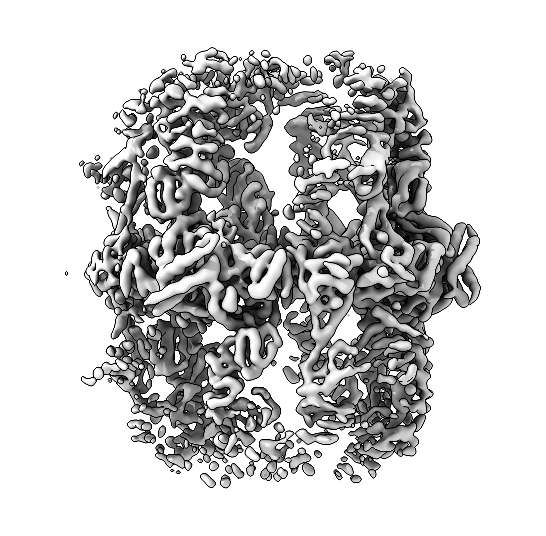
it seems to me that the behaviour is a little bit dodgy and not 100% reproducible. Here is an example: (I tried to fetch a random EM map)

open emdb:6676
camera ortho
set bg white

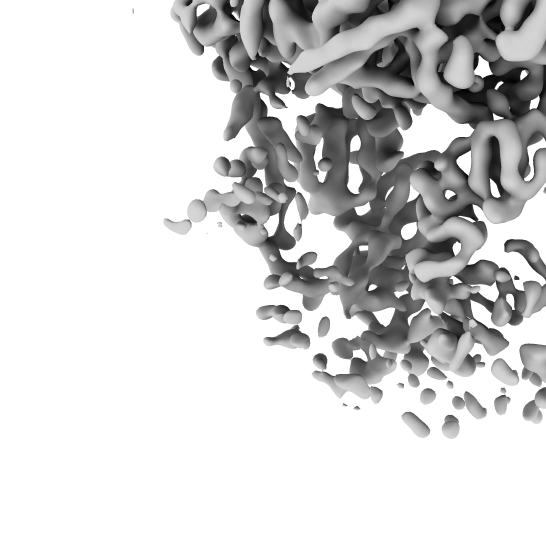
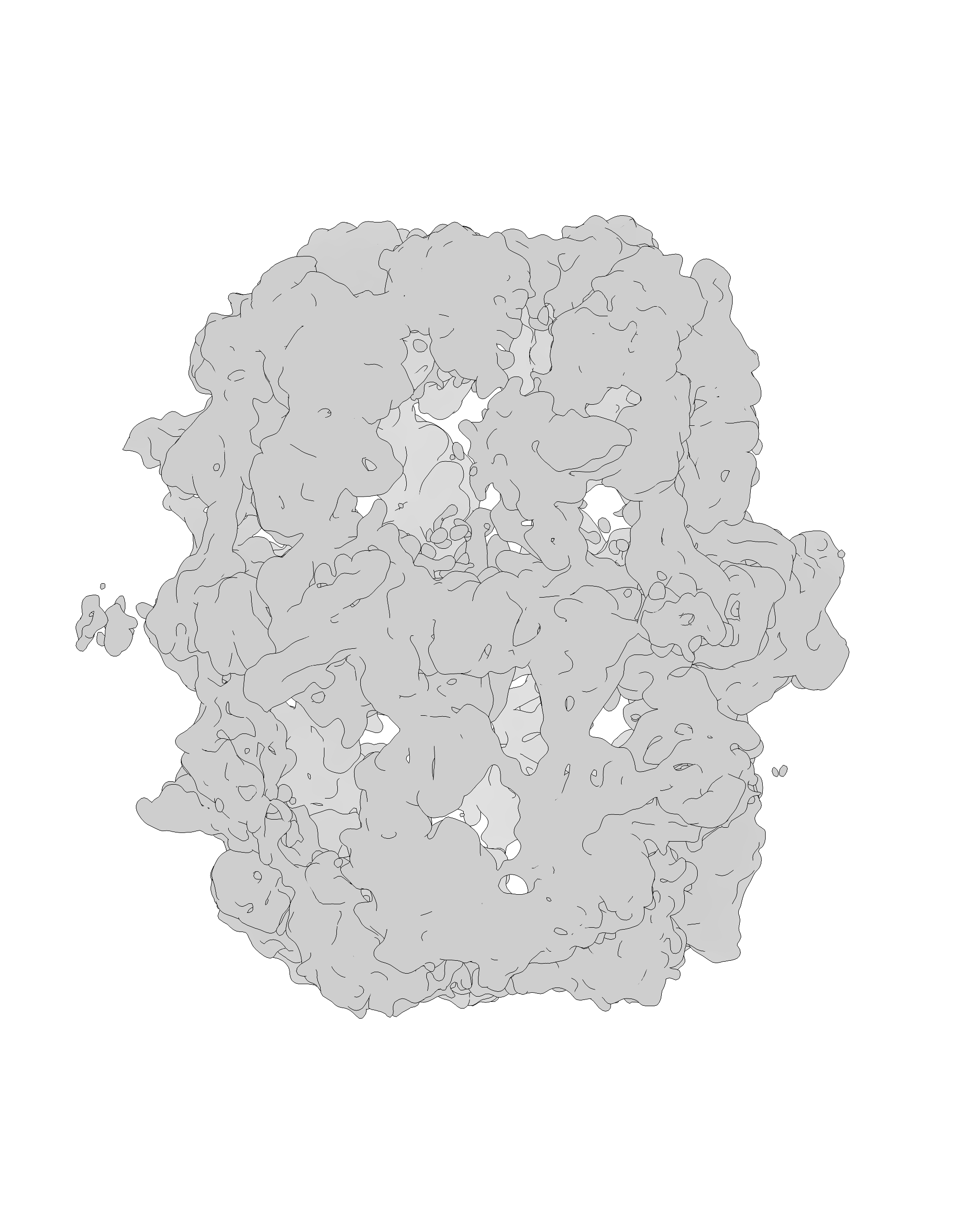
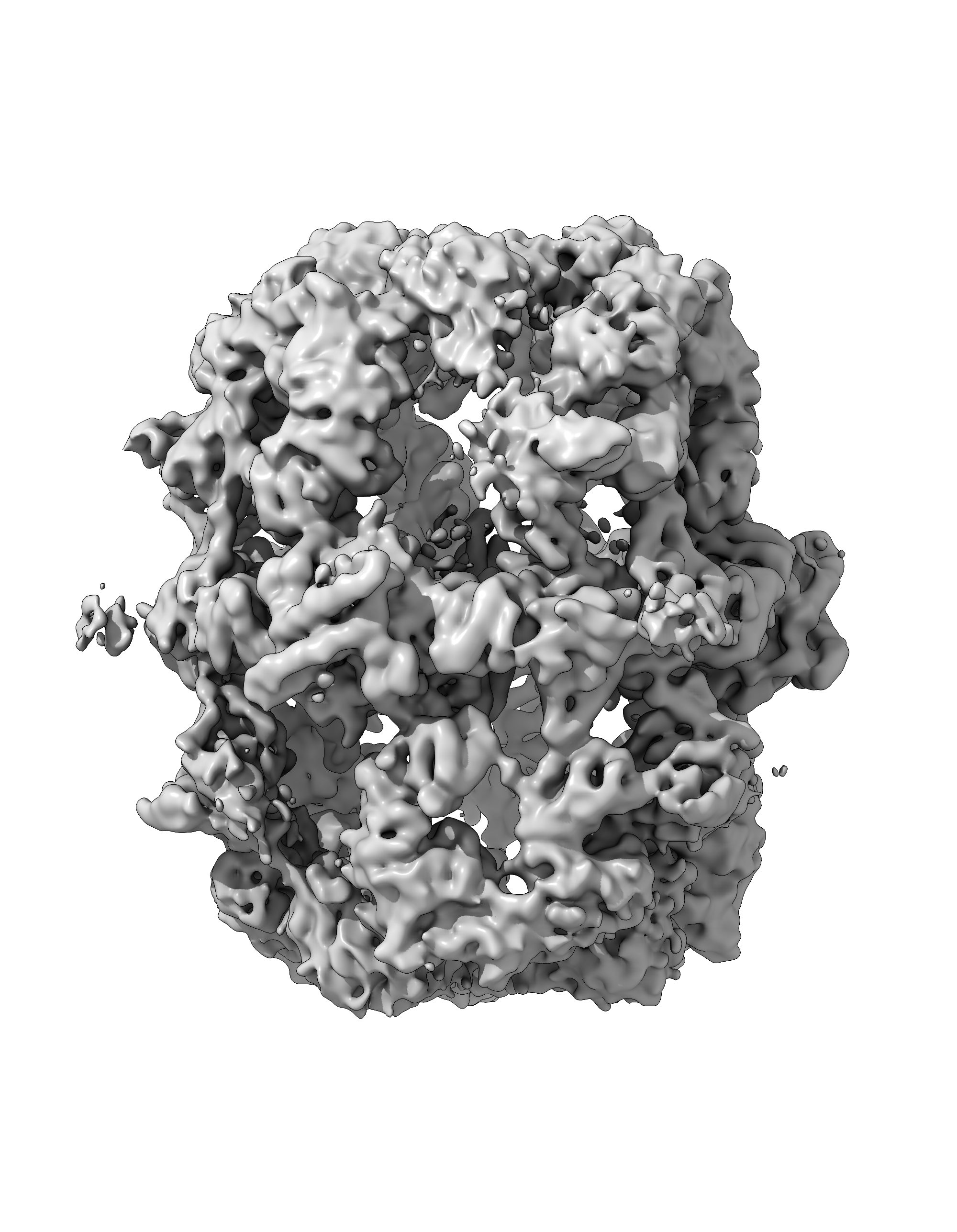
Please find attached the screenshot and the two images 4x4 supersampled and not supersampled both decentered. My gut feeling is that depending whether I save first the supersampled image (like in this case) or not the program is not able anymore to get the image in the center.

I never noticed this behaviour before even though I used to make lots of images with ChimeraX but I have to admit that I never tried before to used the “supersample option”.

I will download the latest ChimeraX version and try again.

Many thanks for the feedback.

Edoardo

---------------------------------------------------
Edoardo D'Imprima
PhD Student
Max Planck Institute of Biophysics
Structural Biology Department
Max-von-Laue Straße 3
60438 Frankfurt am Main
Germany

Tel: +49 (0) 69 6303 3015


follow-up: 5 comment:6 by , 9 years ago
Dear ChimeraX team,

I have an update, I dowloaded the latest daily build version 0.1 (2017-10-31)

curiously the weird decentering of the image seems to be related to the light effect used (please find attached the snapshots), with full lighting and single shadow option it seems to work even if to  me the images still look pixelated (despite being saved supersampled 4x4).

Best,

Edoardo


---------------------------------------------------
Edoardo D'Imprima
PhD Student
Max Planck Institute of Biophysics
Structural Biology Department
Max-von-Laue Straße 3
60438 Frankfurt am Main
Germany

Tel: +49 (0) 69 6303 3015


comment:7 by , 9 years ago
It appears from your tests that the image is saved correctly in lighting modes that cast a key-light shadow (full, and single). Casting that shadow requires an extra render pass that draws the shadow and that must be interacting with this graphics driver bug.
I'm a bit unclear about your original report. With supersample "none" or 1 (when using the save command) does the image always comes out correct?
In theory I could find some work-around for this macOS bug, but I don't have a machine where I can produce the problem, so there is no way to proceed.
comment:8 by , 9 years ago
Instead of supersampling you can simply save the image at a larger size, e.g. command "save myimage.png width 2000". I'll ask the person who previously reported the problem if it still happens on her retina MacBook Pro, and possibly I can test on her machine.
comment:9 by , 9 years ago
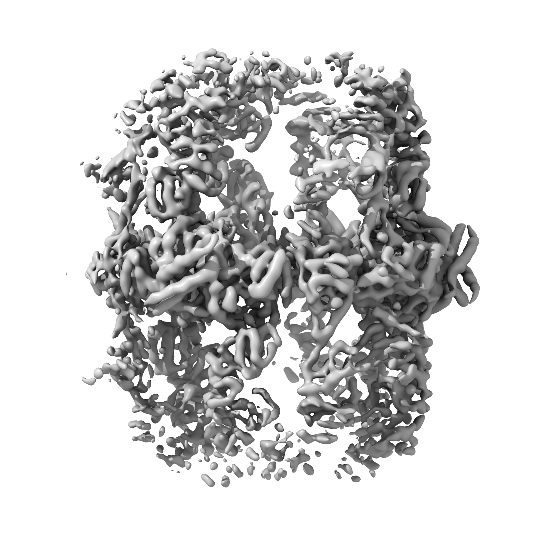
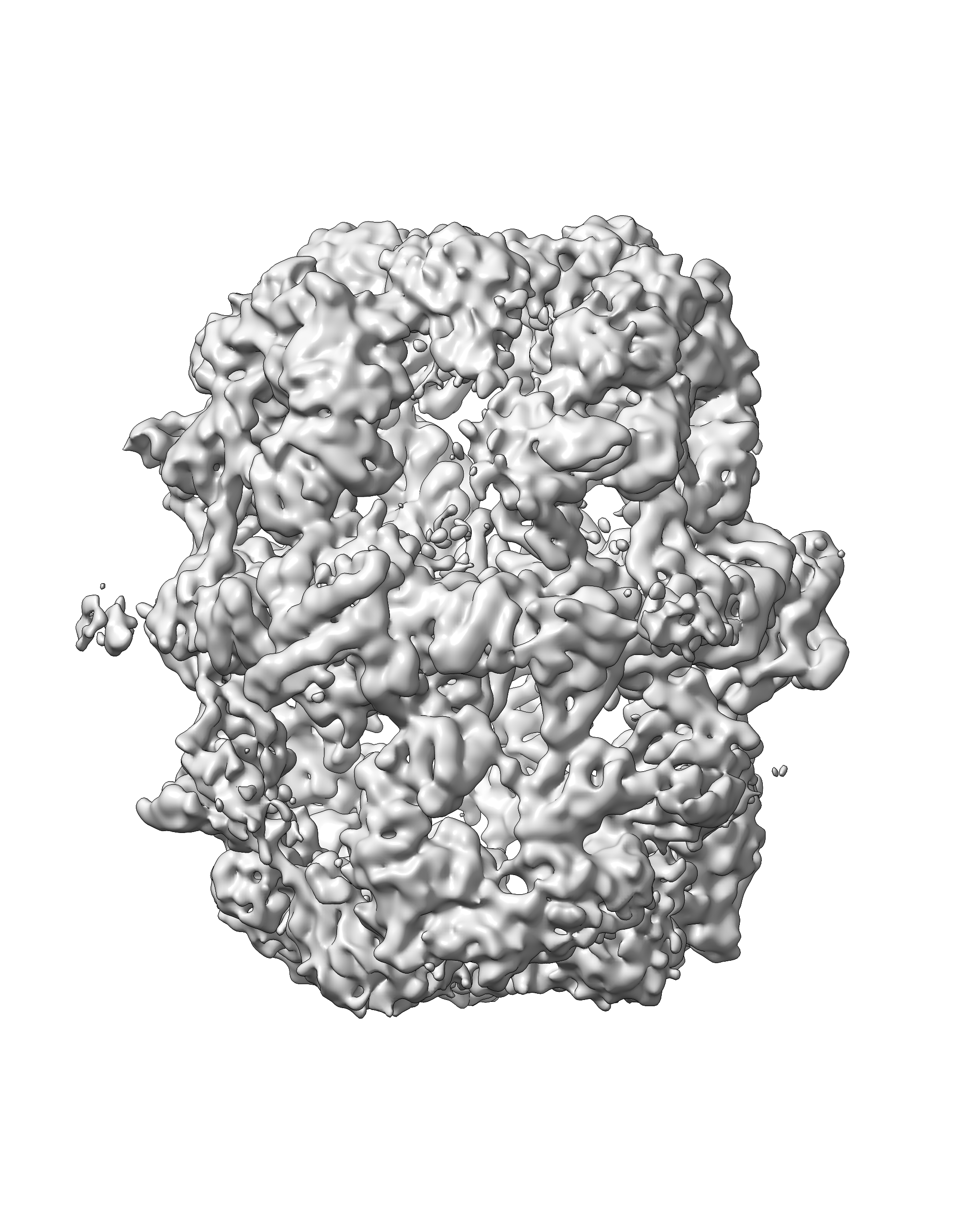
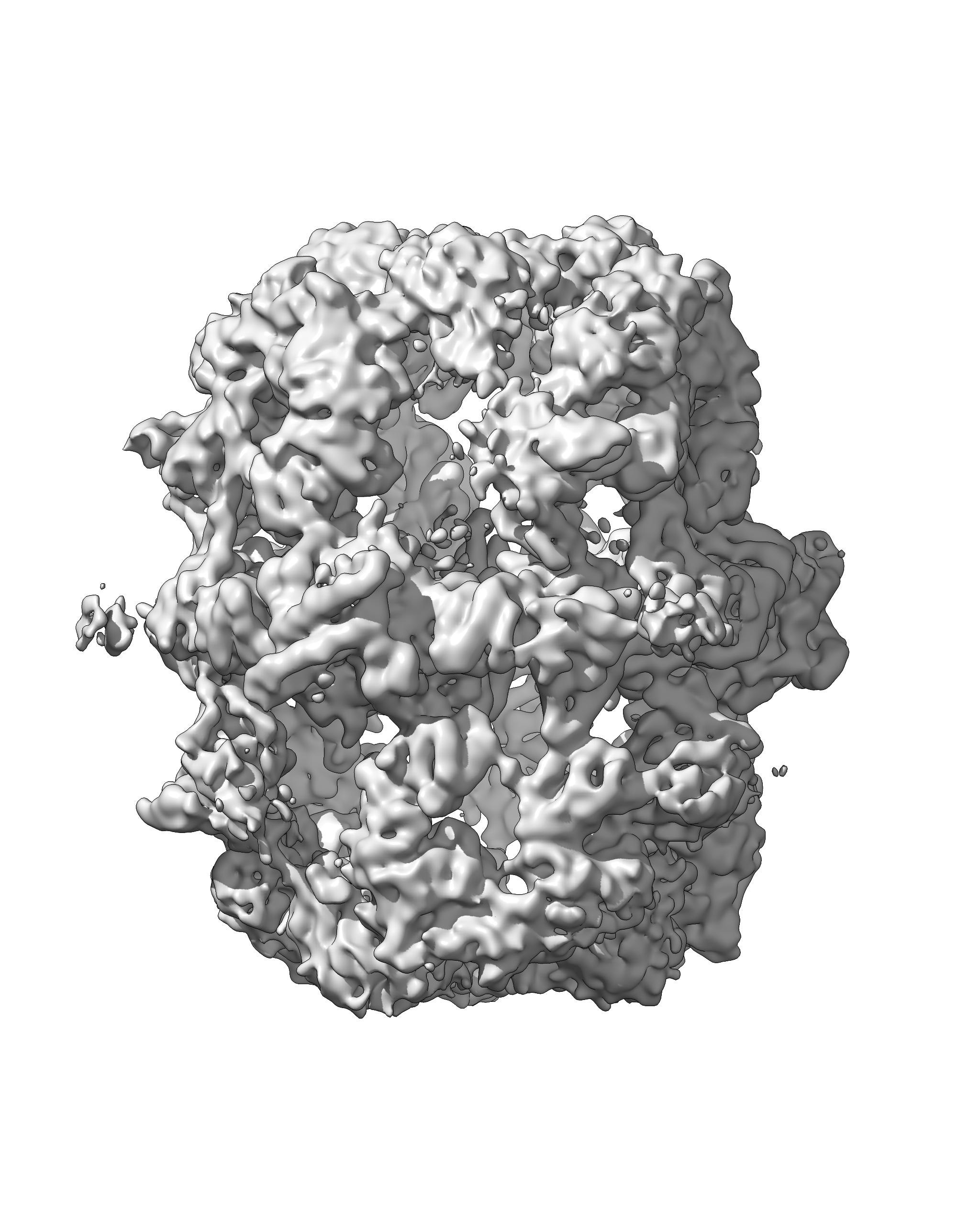
Thanks a lot, the command “save /Users/my/pathway/test_sil.png width 2000” worked perfectly with all the lighting options! Now the images look not pixelated and centered (see attachment).

And yes, when I save the image (from command line or GUI) using supersample “none” or “1” the result is always not-centered.

Best,

Edoardo


---------------------------------------------------
Edoardo D'Imprima
PhD Student
Max Planck Institute of Biophysics
Structural Biology Department
Max-von-Laue Straße 3
60438 Frankfurt am Main
Germany

Tel: +49 (0) 69 6303 3015


follow-up: 6 comment:10 by , 9 years ago
| Resolution: | → can't reproduce |
|---|---|
| Status: | assigned → closed |
Thanks for running all the tests. Unfortunately the only other machine we have seen this bug on only did it for one particular scene even though this user saves hundreds of images. So I don't think it is feasible to try to debug on that machine. As I mentioned, this is unfortunately a bug in your macOS graphics driver which apparently only effects a certain model of graphics. It would help if you could send me your Mac system graphics and model as reported by the "About this Mac" menu entry under the Apple system menu in the upper left corner.
Unfortunately I think the best hope to solve this problem lies in Apple fixing it. You are running Mac OS 10.10 which is 3 versions behind the current macOS 10.13 and possibly newer versions of macOS have resolved this problem.
comment:11 by , 9 years ago
Dear Tom,

thank you for your efforts. Please find attached my laptop details. Usually I am a bit reluctant to upgrade the OS when it is running fin since in my experience most of the there more problems coming with the new OS then the bug fixed however I will give it a try and perhaps ask to some of my colleagues if they have more recent versions of OS and see if they also get the same problem.

Kind regards,

Edoardo


---------------------------------------------------
Edoardo D'Imprima
PhD Student
Max Planck Institute of Biophysics
Structural Biology Department
Max-von-Laue Straße 3
60438 Frankfurt am Main
Germany

Tel: +49 (0) 69 6303 3015
comment:12 by , 9 years ago
Thanks for the Mac info. Your Intel Iris graphics is the same as the on the laptop where this bug was previously reported.
I don't know if updating the operating system will fix the problem.



Added by email2trac